Skip to content
EvAIEvAI
FeaturesPricing
Login
FeaturesPricingLogin
Blog

vs OpusClip: AI clipping compared

Both OpusClip and turn a long video into short clips with subtitles. The big difference: OpusClip is a straightforward clipping tool, while also tells you what to clip for and posts the result.

All posts

By Will Kann, Co-founder & CEO12 November 20265 min read

The problem

One long video five moments worth posting

You have an hour of material: a YouTube video, a stream, an interview, a webinar, a podcast. Somewhere in it are five moments that would work as short videos on Instagram, TikTok and YouTube. Finding those five by hand takes an evening, and that is why most long videos never get clipped.

Both tools solve that for you. You paste a link or upload the file, the AI reads the transcript, picks the moments, cuts them to vertical with the speaker in the frame and puts subtitles on each clip.

In

From link to clips and you can edit every one

To clip in you paste a link to a YouTube, TikTok or Instagram video, or upload the whole file (up to 5 GB). then cuts it into 3 to 15 clips of 8 to 59 seconds, each with a hook, a title and the reason it was picked. The source can be of any length.

Each clip opens in an editor. You can change the style of the subtitles, rewrite the hook, trim the cut, change the framing and pick a cover. All your downloads are free.

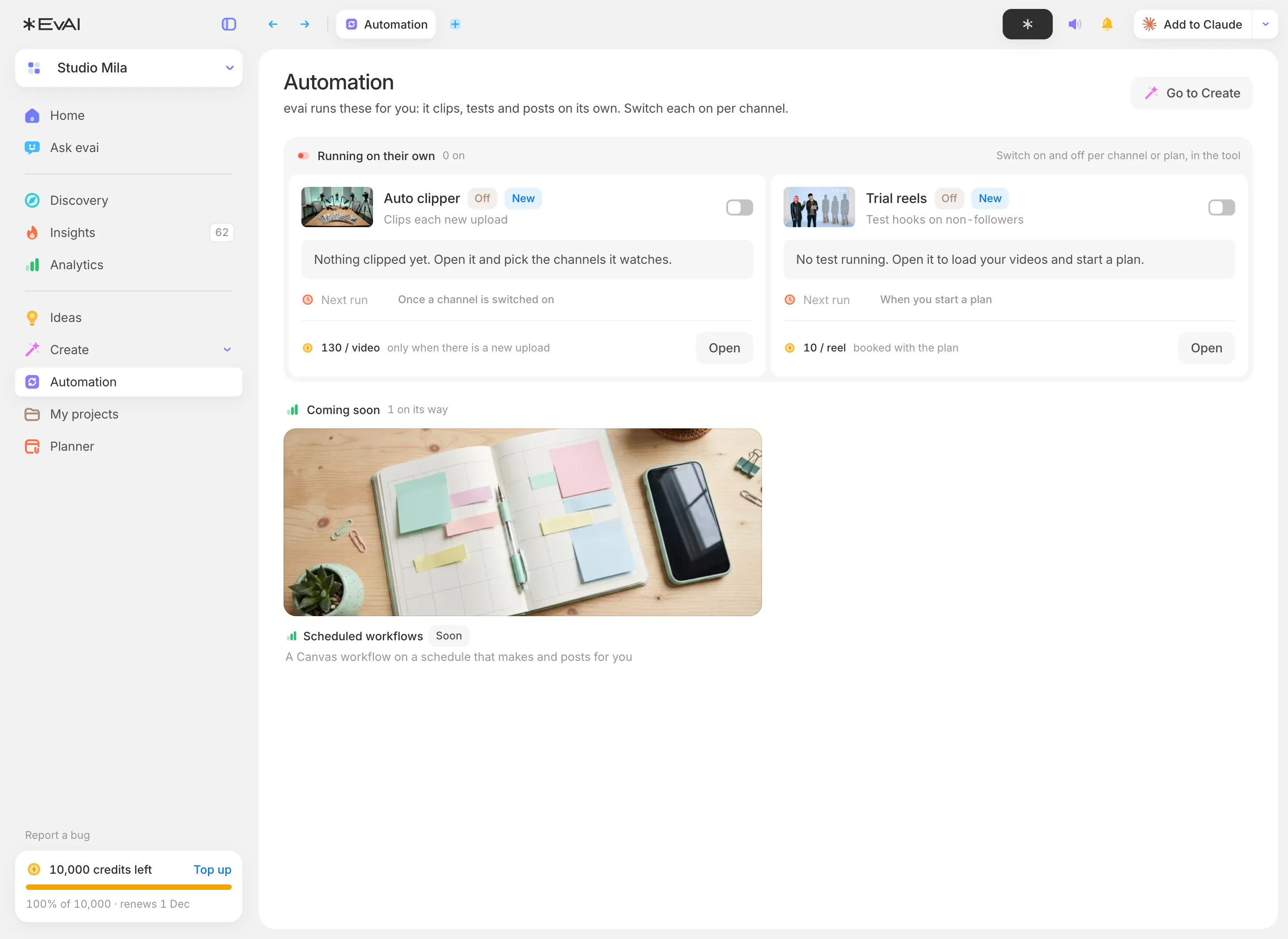
It can also run by itself. Connect your YouTube channel, and when you publish a new video it is clipped without you having to open the app.

  • Subtitles

    Six styles, word by word or with the key words highlighted, plus 55 more looks.

What it costs

Minutes against credits

OpusClip charges by the minute of source material: one credit is one minute. The free plan has 60 minutes a month with a watermark, Starter costs $15 for 150 minutes and Pro costs $29 for 300 minutes. We read their pricing page on 12 November 2026.

's pricing is a plan with credits in it, where one credit equals one cent. Clipping a video is 130 credits for the first hour of source material, and subtitles cost 2 credits per clip. For €24.99$24.99 a month you get 2,000 credits, which is about 780 minutes of source video with eight subtitled clips an hour. For €99.99$99.99 you get 10,000 credits: about 4,080 minutes, or 68 one-hour videos, all inside the subscription.

  • OpusClip Free: 60 minutes a month, watermark, clips exportable for 3 days
  • OpusClip Starter: $15 a month, 150 minutes
  • OpusClip Pro: $29 a month, 300 minutes, 2 seats
  • , 1 account
The real difference

Knowing what to clip for

That is where the two tools differ most. OpusClip rates every clip for virality. measures your own accounts, similar accounts and your niche every day, and shows you which videos are doing better than normal for their account and why. So you pick clips knowing which hooks and formats work right now.

Both OpusClip and post to Instagram, TikTok and YouTube. 's planner also shows you the best times to post, and posting is free on every plan.
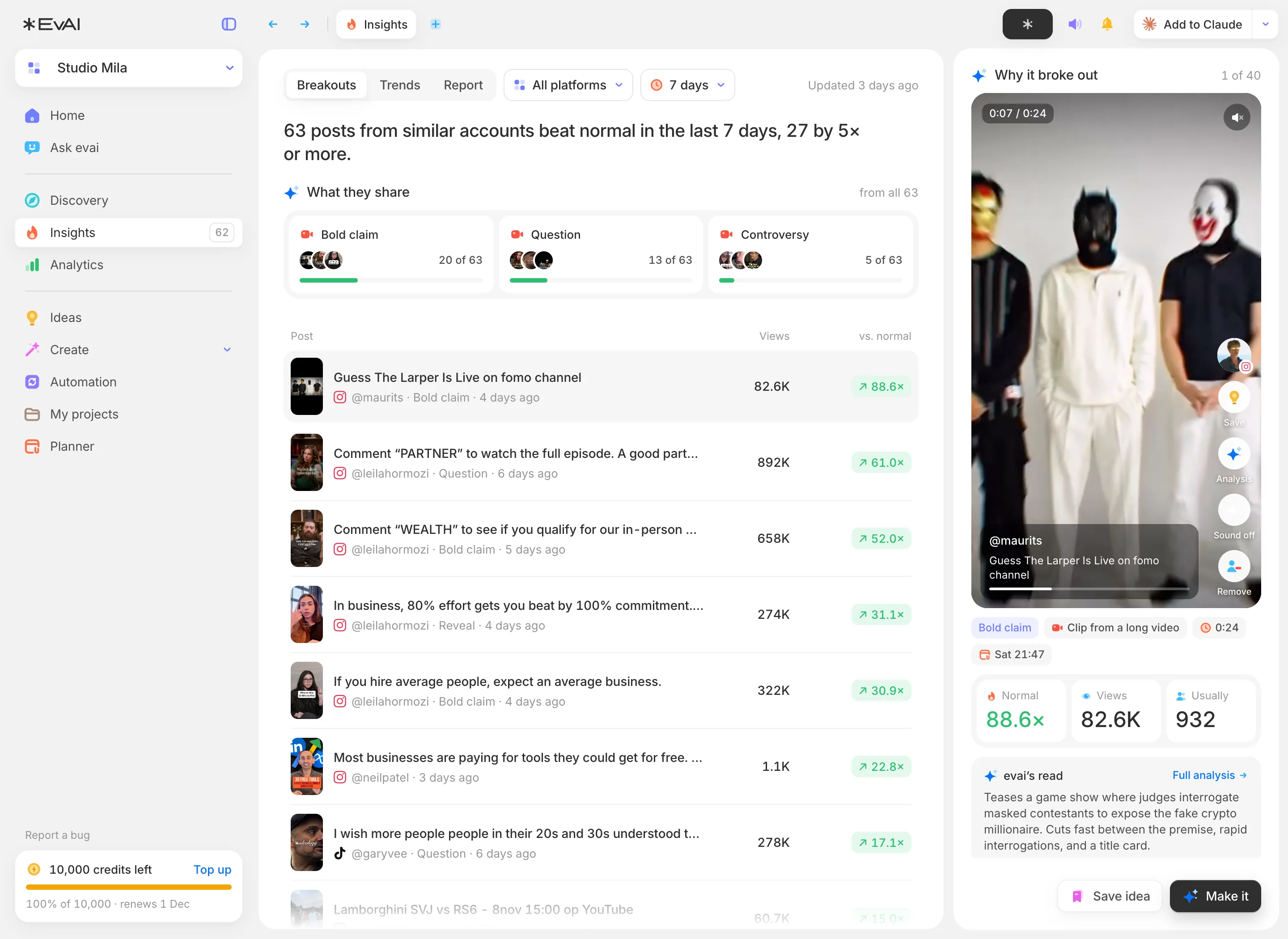
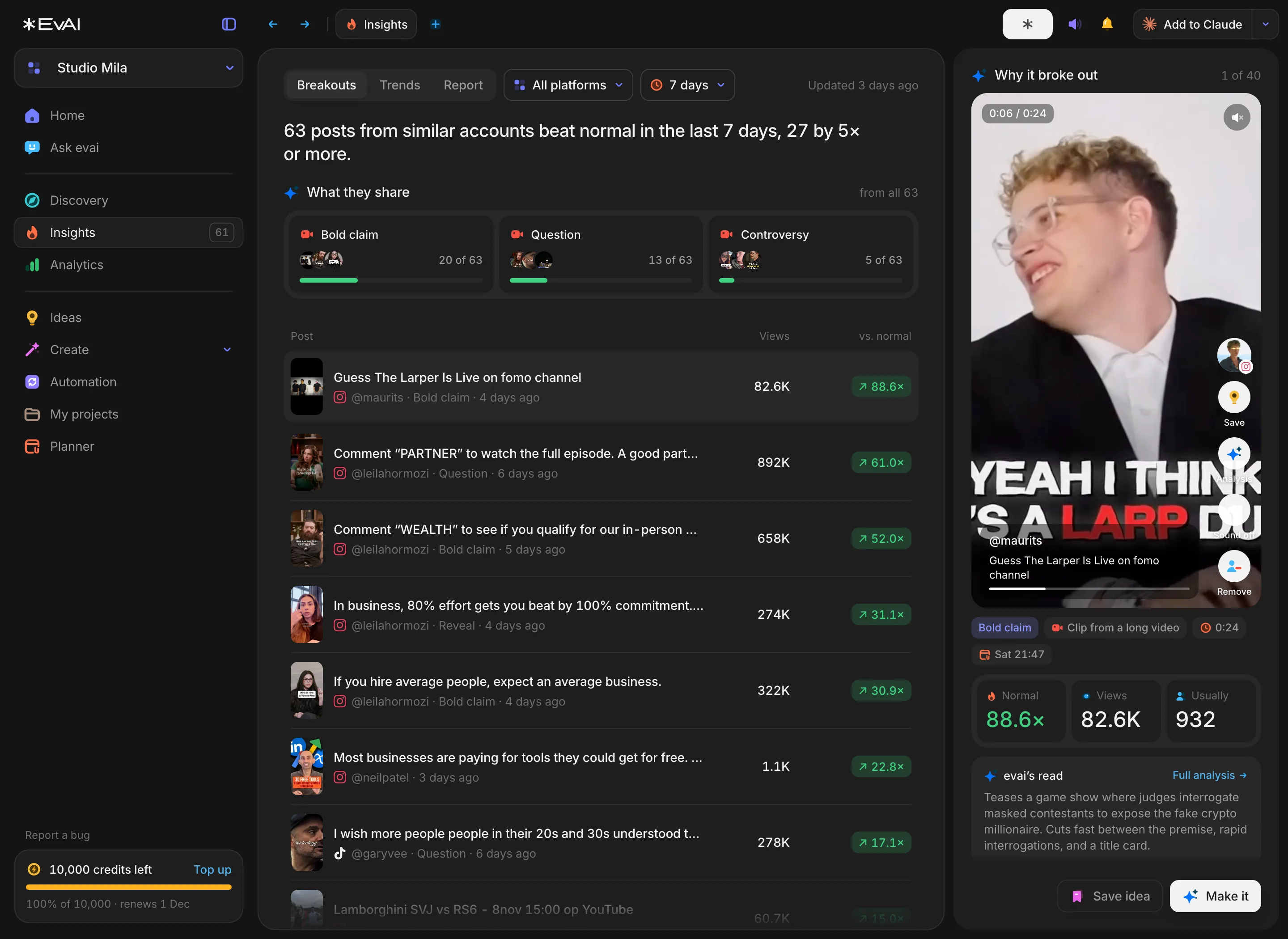
Insights in evai: the posts from similar accounts that beat their normal this week, what they share and why one broke outInsights in evai: the posts from similar accounts that beat their normal this week, what they share and why one broke out
Insights: what similar accounts got right this week, and why.
FAQ

Questions about

Is an OpusClip alternative?
Yes, for clipping long videos into short clips with subtitles. adds niche research, ideas and a planner on top.
What does it cost to clip a video in ?
130 credits for the first hour of the video, and 2 credits per clip for subtitles. One credit is one cent, and the €99.99

Want to see it on your own niche? Request access on the homepage.

See features
EvAIEvAI

Social intelligence for Instagram, TikTok and YouTube.

Product

  • Features
  • Pricing
  • Ask
  • Changelog

Company

  • About
  • Careers
  • Press
  • Brand kit
  • Contact

Resources

  • Help center
  • Blog
  • Guides
  • Niche reports
  • API & MCP

Legal

  • Privacy
  • Terms

Made in AmsterdamPart of Google for Startups and NVIDIA Inception

© 2026

Hooks

Three opening lines written for each clip, in eight on-screen formats.

  • Framing

    9:16, 1:1 or 16:9. The frame follows whoever talks. 30 presets.

  • Posting

    Schedule and post to Instagram, TikTok and YouTube from the planner.

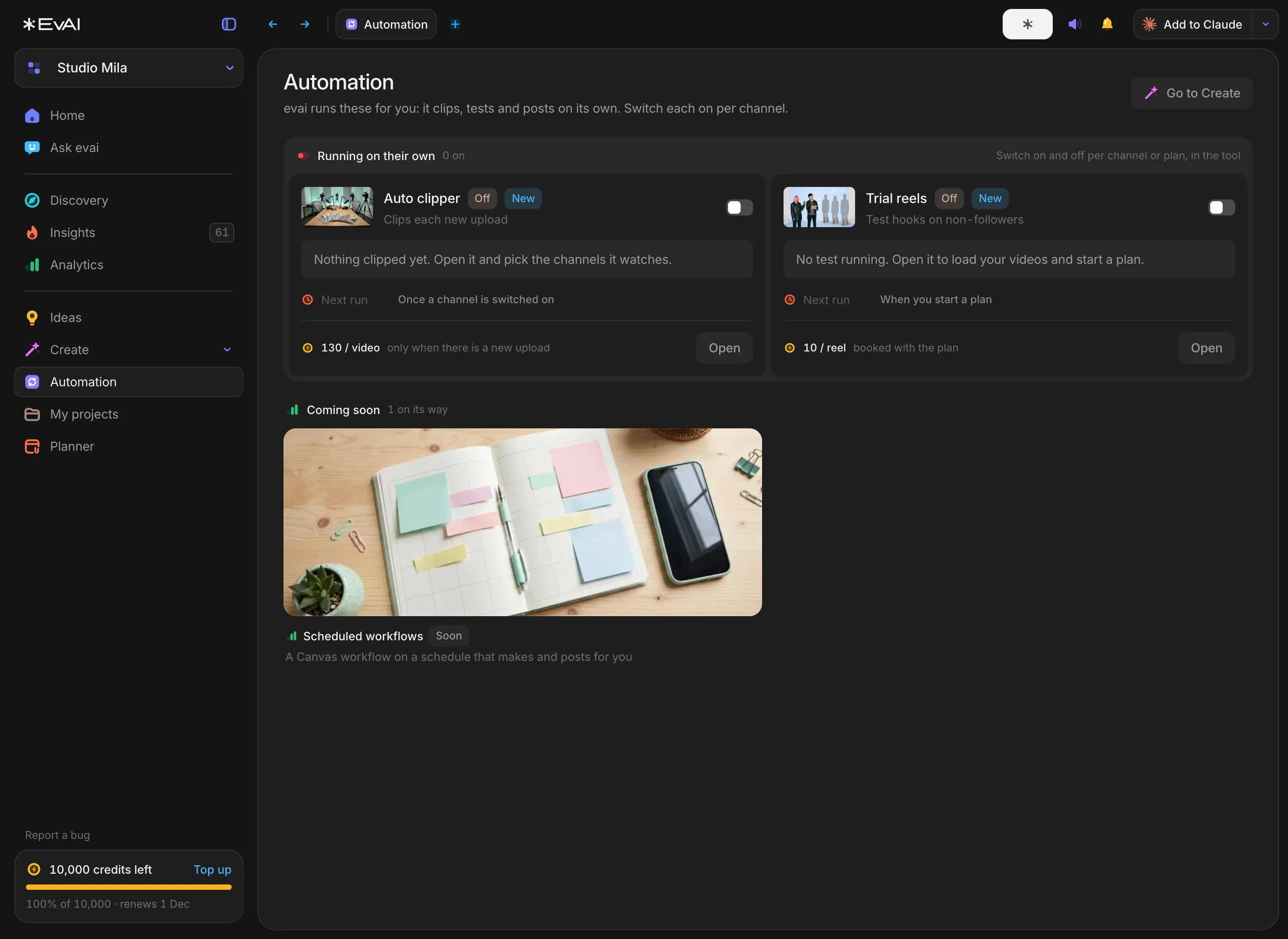
  • Automation in evai: the Auto clipper clips each new upload, Trial reels tests hooksAutomation in evai: the Auto clipper clips each new upload, Trial reels tests hooks
    Automation: the Auto clipper clips each new upload by itself.
    : €24.99$24.99 a month, about 780 minutes clipped and subtitled (2,000 credits), plus research and all of Studio
  • , 2 accounts: €49.99$49.99 a month, about 2,040 minutes clipped and subtitled (5,000 credits), plus research and all of Studio
  • , 4 accounts: €99.99$99.99 a month, about 4,080 minutes clipped and subtitled (10,000 credits), plus research and all of Studio
  • OpusClip
    Clips from a long video
    Animated subtitles
    Hook text on screen
    Reframe to vertical, speaker kept in frame
    Remove silences
    B-roll
    Dubbing into other languages
    Every new upload clipped by itself
    Post and schedule to Instagram, TikTok and YouTube
    Follows similar accounts and finds their breakouts
    Watches the video itself and says why it worked
    Ideas and a brief every morning
    Influencer campaign tracking
    Social listening with sentiment
    Free plan

    A dash means the feature was not on that company's own pricing page on 12 November 2026. It does not mean the feature does not exist.

    Compare the two lists for the hours you clip in a month. If you also want to know what your niche is rewarding this week, and have the clip posted from the same place, is the way to go.

    $99.99
    plan includes 10,000 credits a month. See
    Pricing
    .
    Can clip every new video by itself?
    Yes. Connect your YouTube channel and clips each new upload. It is charged per upload, and included on the Podcast plan.
    Does it work for podcasts?
    Yes. A podcast episode on YouTube or as a file is clipped the same way, with its own setting for conversations.
    Can I edit the clips?
    Yes. Every clip opens in an editor for subtitles, hook, trim, framing and cover.
    Where can post my clips?
    Instagram, TikTok and YouTube, from the planner. Posting is free.